
Track a Mac app
How much time do you spend in Slack?
Focus Meter tracks Slack automatically, privately, and at the level of detail that actually answers the question.
What the data usually looks like
Most knowledge workers spend 2–4 hours a day in Slack. For many it’s the single highest-time app, easily beating out their actual editor or design tool.
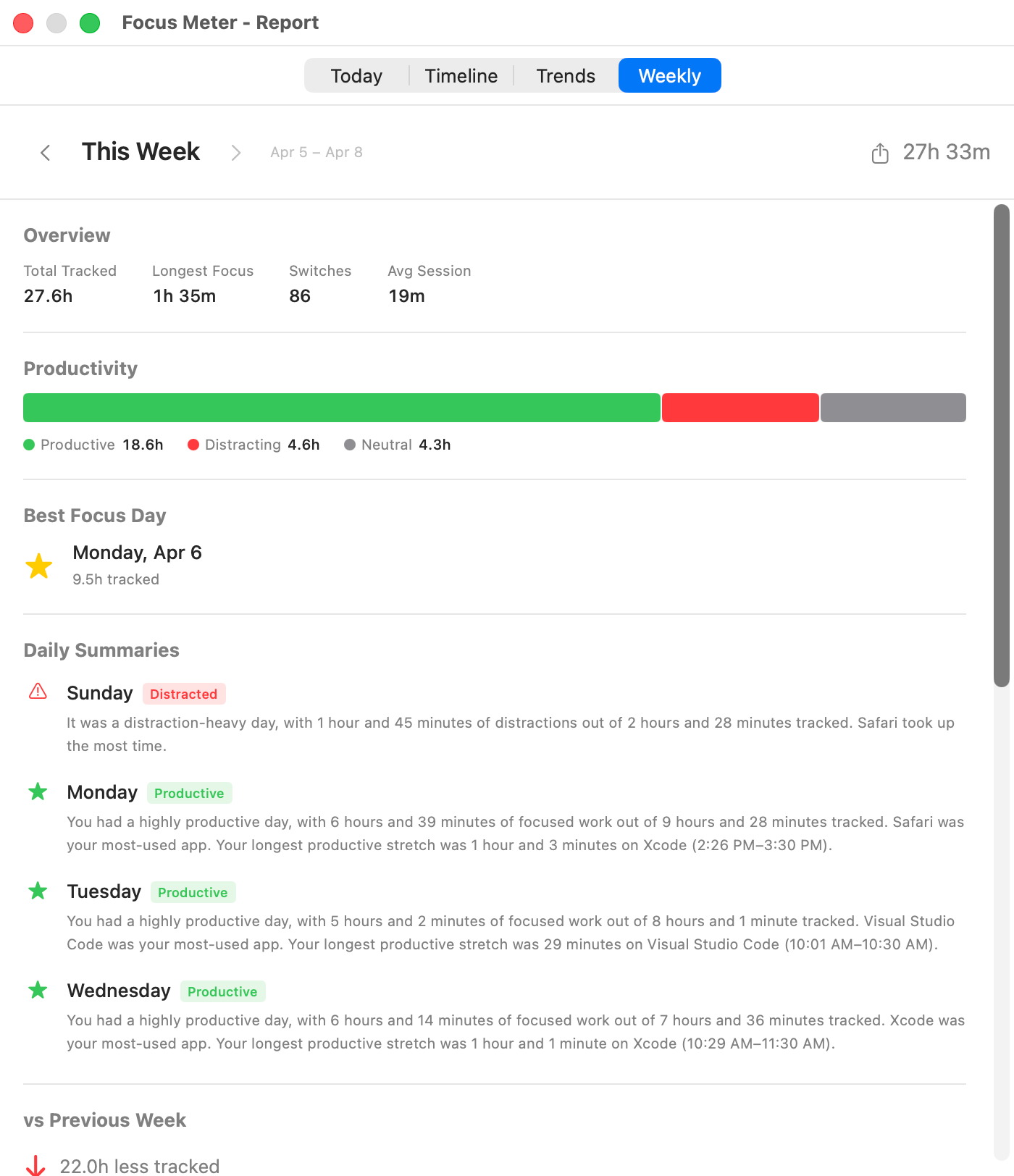
Representative Focus Meter view. Your app and website totals depend on your categories and work pattern.
Sample weekly breakdown
Representative Slack-heavy week
| Metric | Value | Why it matters |
|---|---|---|
| Total Slack time | 11h 24m | Spread across 847 foreground sessions, mostly short checks. |
| Median Slack session | 42s | The damage is frequency, not long meetings. |
| Longest continuous block | 38m | Usually a support thread, incident, or planning discussion. |
| Focus score effect | -14 pts | When Slack is left as neutral, it still fragments productive app sessions. |
What this usually reveals
- Slack usually looks smaller in memory than it does in data because most sessions are tiny.
- The most useful pattern is the interruption loop: editor to Slack to browser to editor, repeated all afternoon.
- Teams that batch Slack twice per day tend to see fewer app switches even when total Slack minutes do not drop much.
Why it matters
Slack is the one app most people underestimate. The “quick check” pattern — fifteen seconds, fifty times — shows up as a solid 90+ minutes on the timeline. Seeing that number is often the shove people need to turn off notifications or move to batched replies.
How Focus Meter tracks Slack
Focus Meter detects Slack as the frontmost app and counts time against it automatically. You can reclassify Slack as productive, neutral, or distracting in Settings — many users split the difference and call it neutral.
Default category in Focus Meter: neutral. You can change this any time.
Who this is for
If you message for a living (managers, support, founders) Slack might genuinely be productive time. For solo makers it’s almost always distracting. The number tells you which side you’re on.
Caveats
- Focus Meter cannot tell whether a Slack minute was a direct message, a channel thread, or huddle prep.
- If Slack is part of your job, leave it neutral or productive. The point is to classify it honestly, not punish communication.
- Background Slack notifications do not count unless Slack becomes the frontmost app.
Slack vs Discord, Teams, and Zoom
Slack and Teams are usually fragmented chat time. Zoom is usually meeting time. Discord is role-dependent: productive for community work, distracting for social use. Keeping those surfaces separate makes the weekly report easier to read.
Read the reports guide
Use the weekly report to spot Slack-heavy days and compare them against deep-work days.
Open guide →FAQ
Can Focus Meter read my Slack messages?
No. Focus Meter only sees that Slack is the active app. It does not read message contents, channel names, workspace names, or notification text.
Should Slack count as productive or distracting?
Most people should start with neutral. Managers, support leads, and founders may choose productive. Solo makers often mark it distracting during build blocks.
Does Slack count when it is open in the background?
No. Focus Meter counts foreground app time, so background Slack does not inflate your report.
Can I compare Slack time across weeks?
Yes. The reports view shows weekly totals and trends so you can see whether communication time is creeping up.
Last reviewed May 6, 2026.
See your real Slack hours this week.
Focus Meter installs in seconds and starts tracking immediately.

$19 one-time · No subscription · 100% on-device